Features
Everything is a primitive you can compose
No bolted-on customization. The same building blocks our team uses to build Rell are the ones you use to shape your workspace — objects, fields, views, pipelines, automations and more.
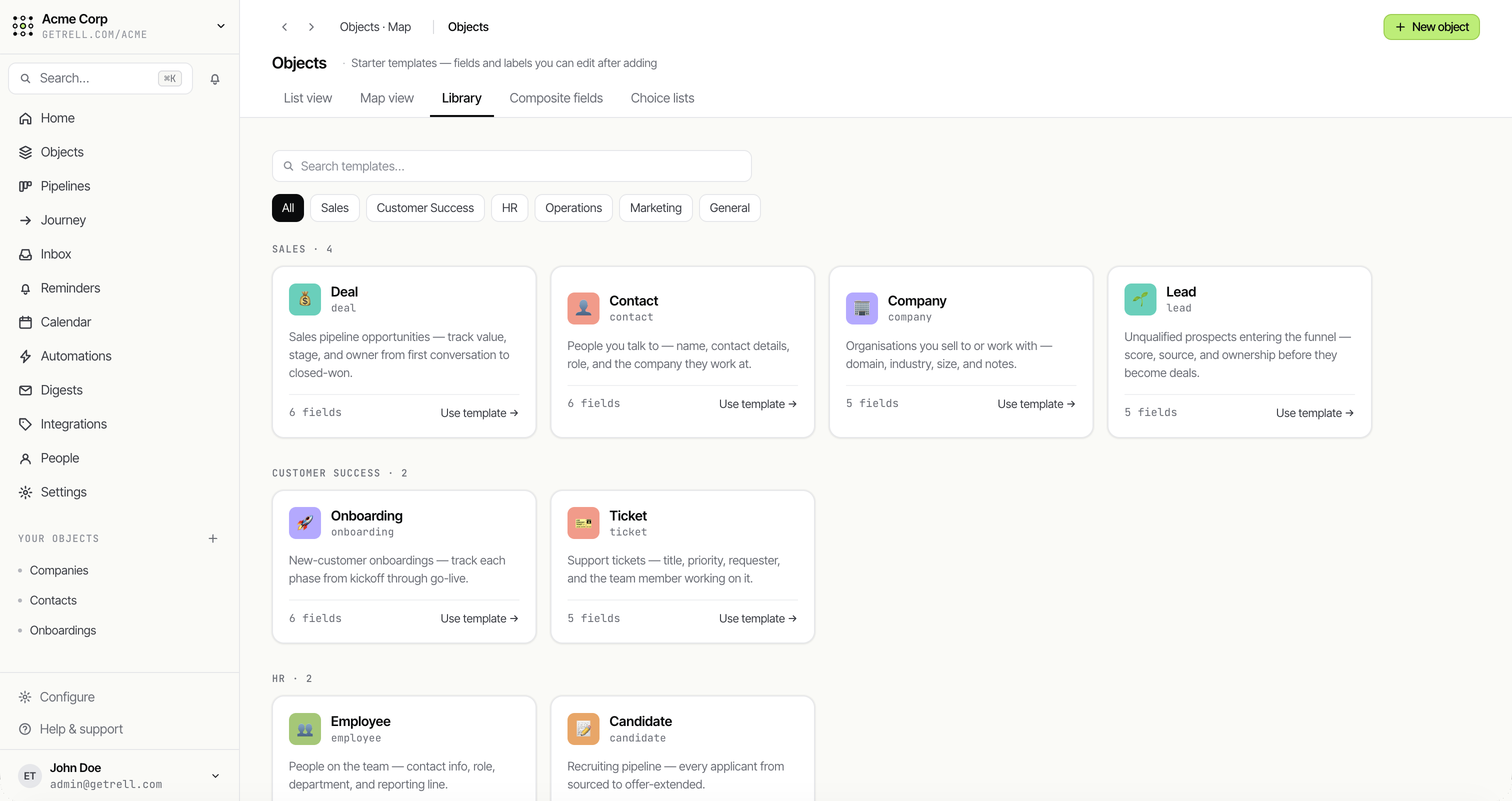
Objects & fields
Model anything — no migrations
Start from a template or a blank object, then shape it with eighteen field types. The structure of your business becomes the product, live as you build.
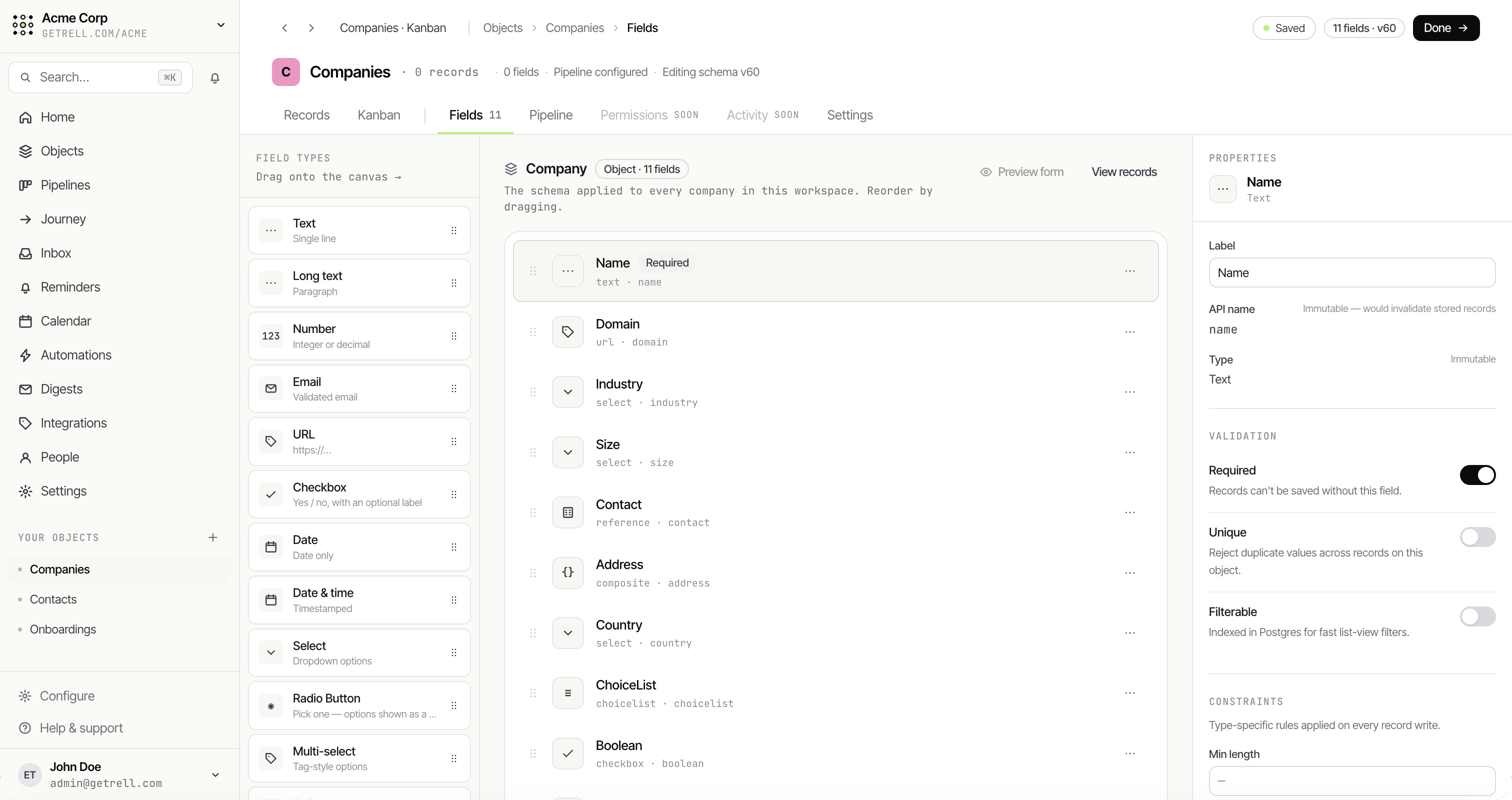
Field builder
Build the schema by dragging
Drop field types onto an object and they apply live across the workspace — each with its own validation, defaults and constraints.
- 18 field types
- Required / unique / filterable
- Reorder by dragging
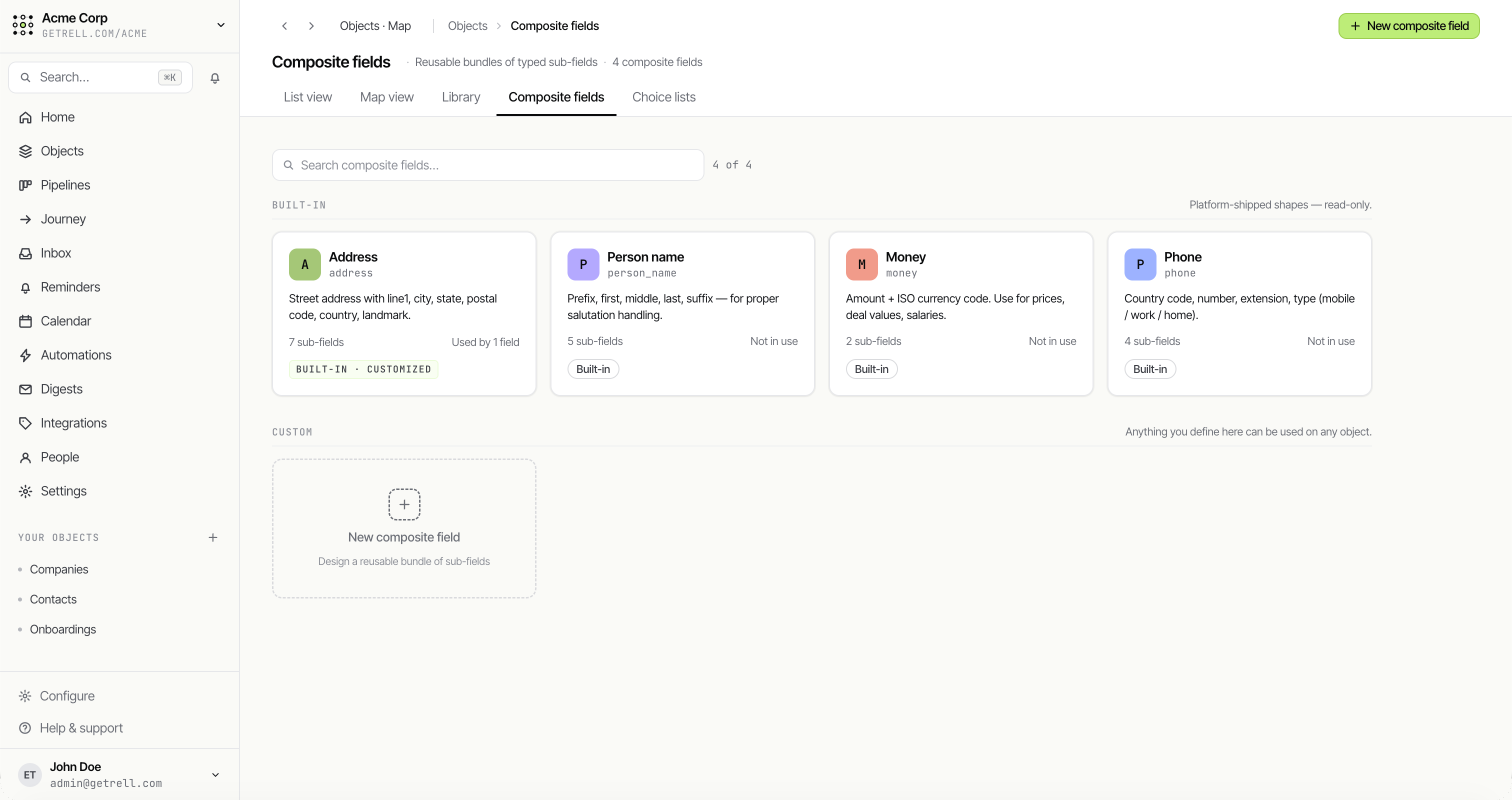
Composite fields
Bundle related fields into one
Address, person name, money and phone ship as structured composite fields — and you can define your own reusable bundles for any object.
- Built-in Address, Money, Phone
- Define custom shapes
- Validated together
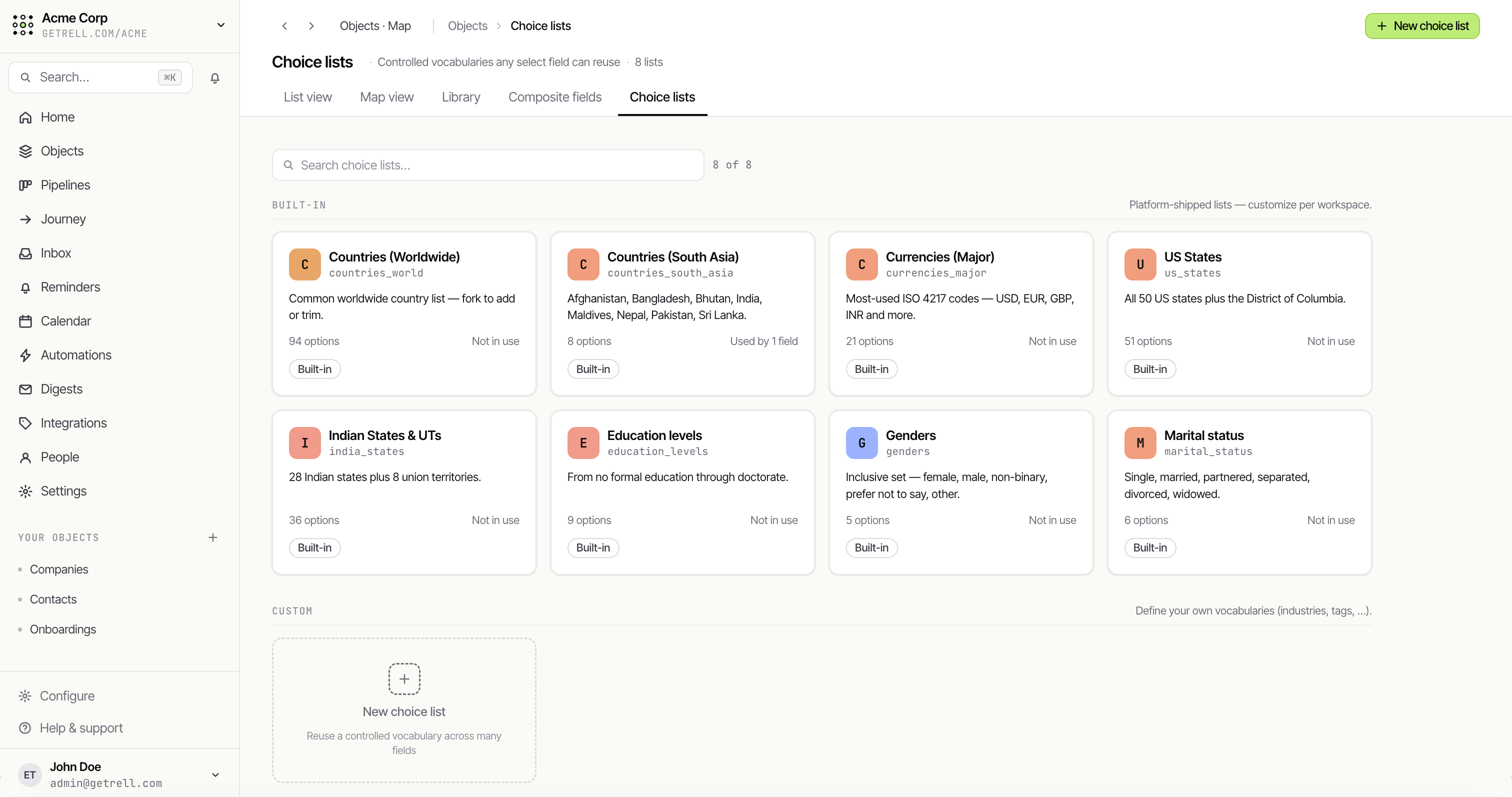
Choice lists
Shared option sets, defined once
Maintain single- and multi-select options in one place and reuse them across every object, so your data stays clean and consistent.
- Reusable across objects
- Single & multi-select
- Edit once, update everywhere
Relationships
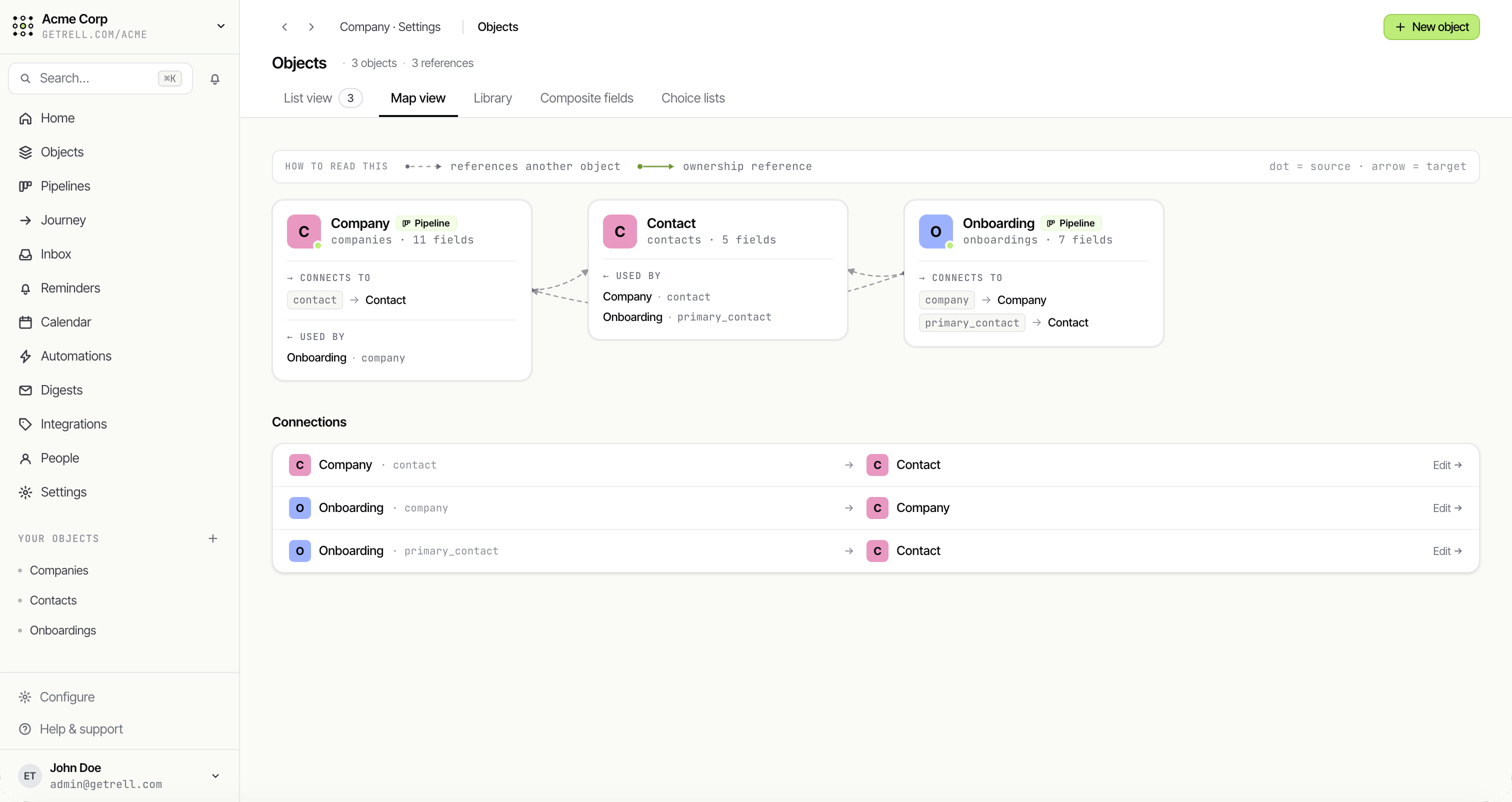
See how everything connects
Objects link into a graph through references. The map view lays out how each object references and owns the others, at a glance.
- Reference & ownership links
- Live relationship map
- Per-object connection list
Objects overview
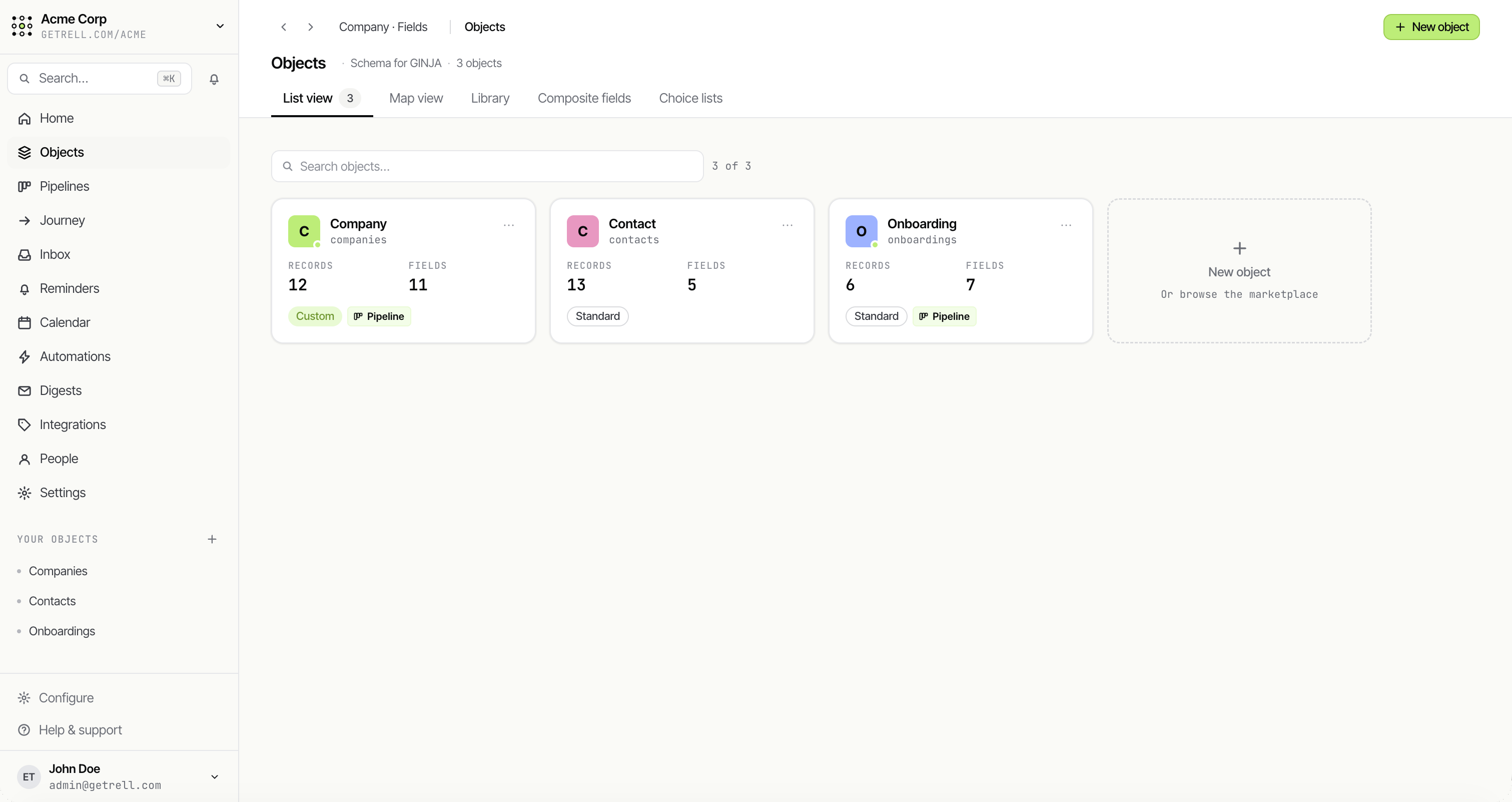
Every object in one place
The objects list shows each object in your workspace with its field and record counts — your whole data model at a glance.
Views
See the same records, your way
Every view is a saved filter, sort and grouping over the same data. Board for sales, table for ops, calendar for scheduling — switch the lens, never the data.
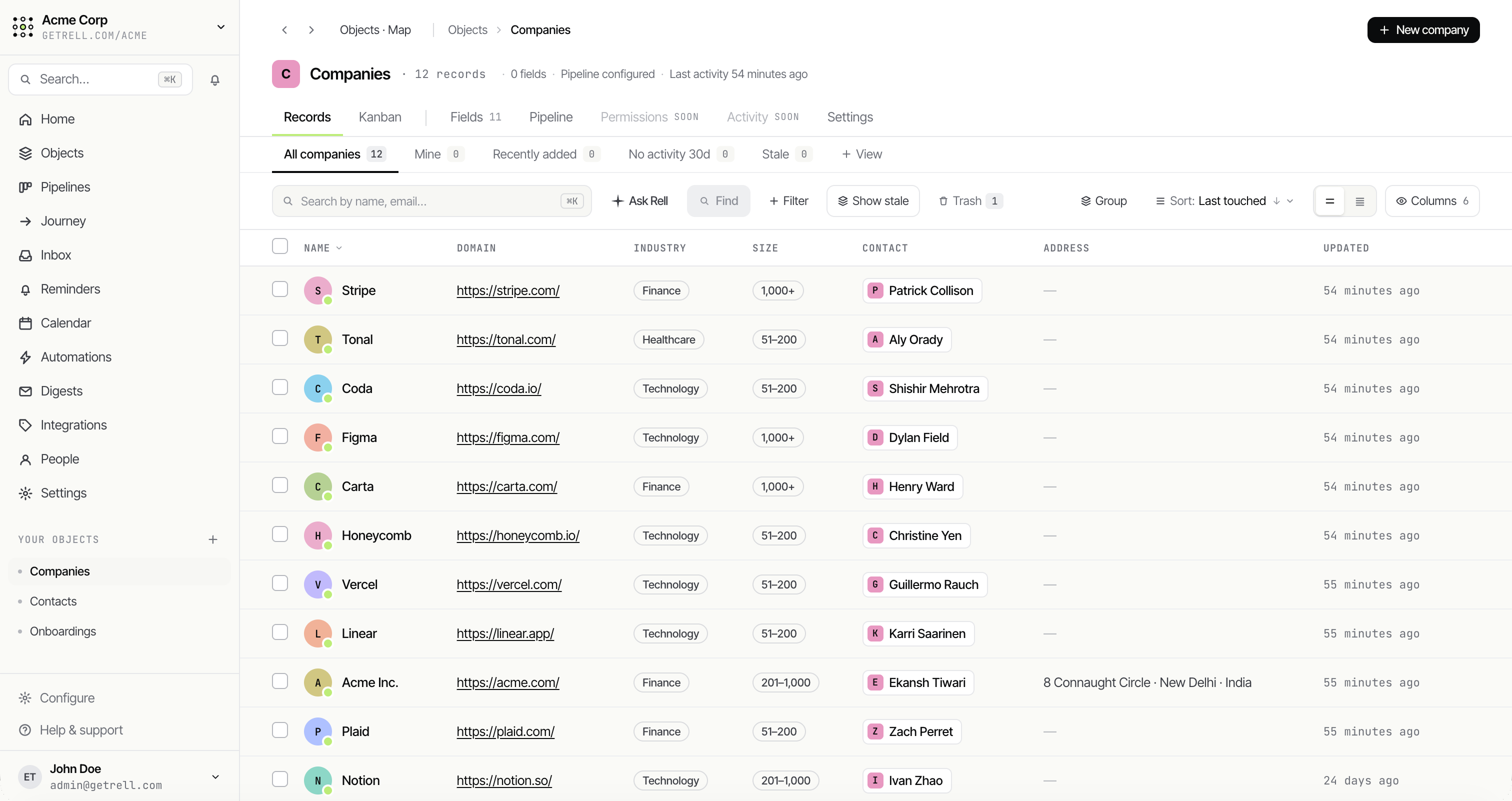
List
A dense, filterable table
Sort, filter and group on any field. Show or hide columns, save the result as a view, and pin it for your team.
- Filter & group on any field
- Saved & pinned views
- Inline column controls
Board
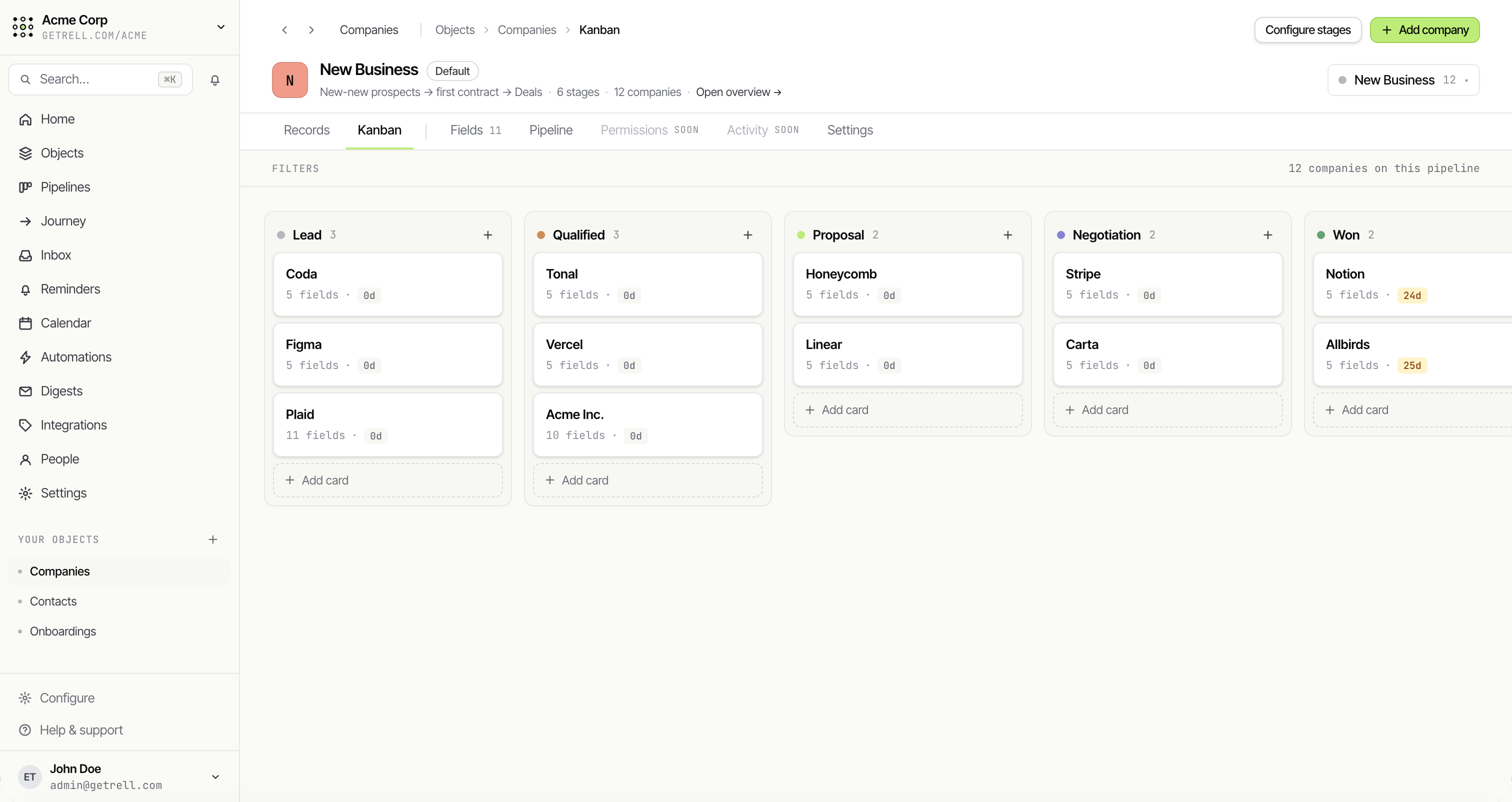
Drag records through stages
A kanban over any pipeline — drag records between stages, with rotting indicators on the cards that have gone quiet.
- Drag-and-drop stages
- Rotting indicators
- Per-stage counts
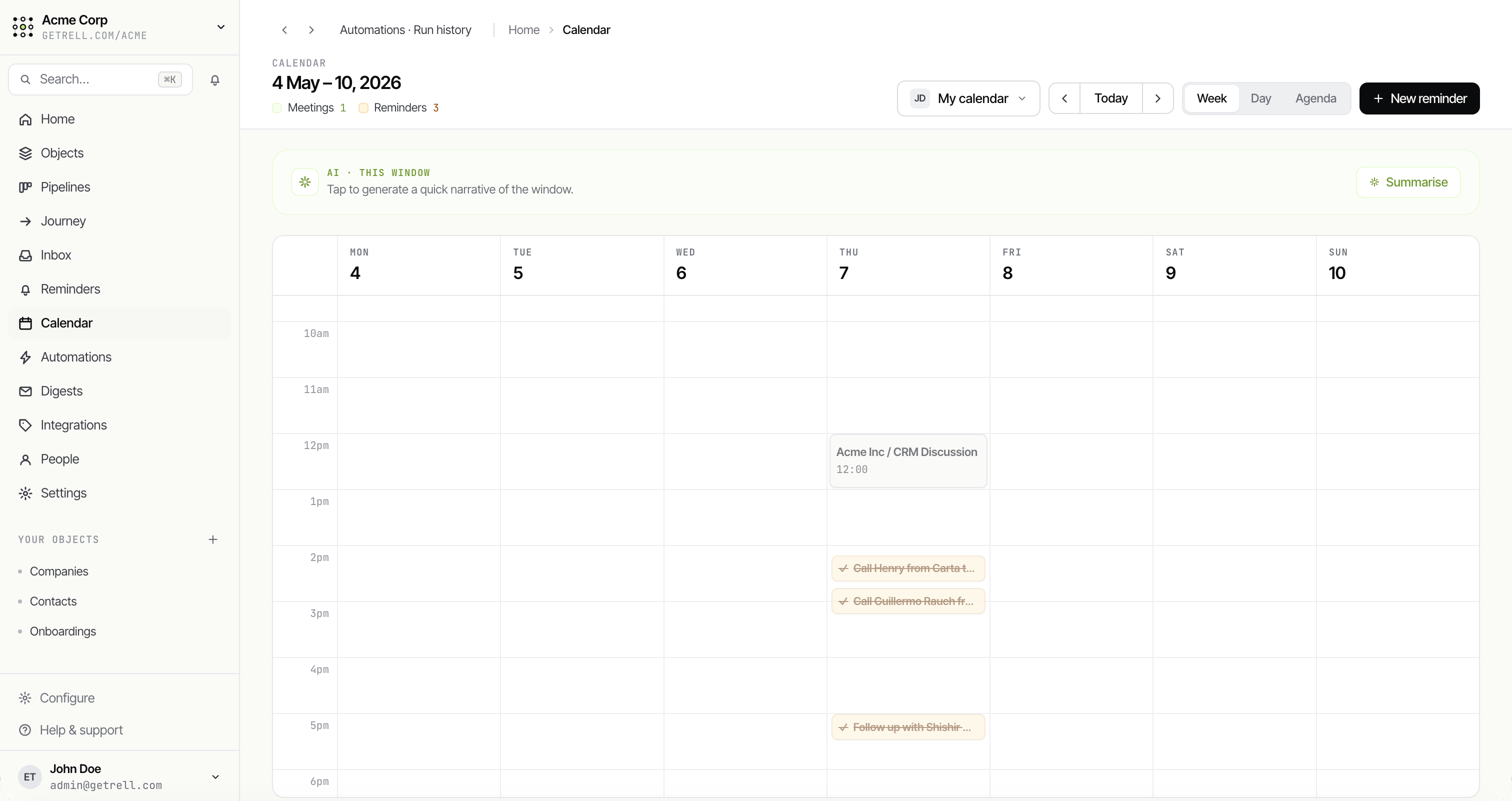
Calendar
Anything with a date, on a grid
Lay date-based records out on a month grid — renewals, tasks, onboarding milestones — and jump straight into any record.
Pipelines & journeys
Move work forward, end to end
Pipelines push records through stages with win rates and rotting alerts. Chain them into journeys that span your whole customer lifecycle.
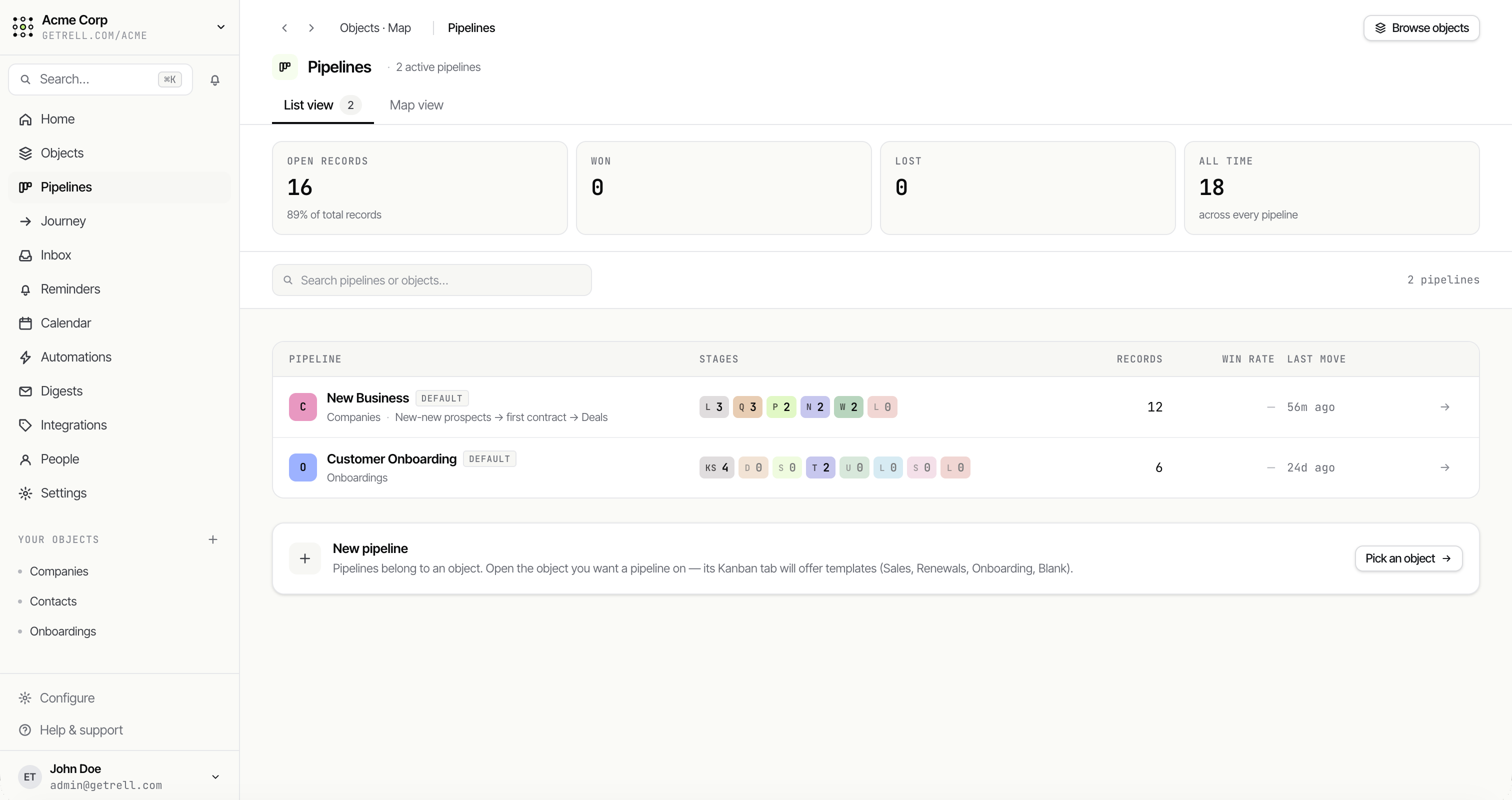
Pipelines
Every record on rails
Run as many pipelines as your business needs, each with its own stages, probabilities, rotting thresholds and entry automations.
- Stage probabilities & win rates
- Rotting alerts
- Open / won / lost stats
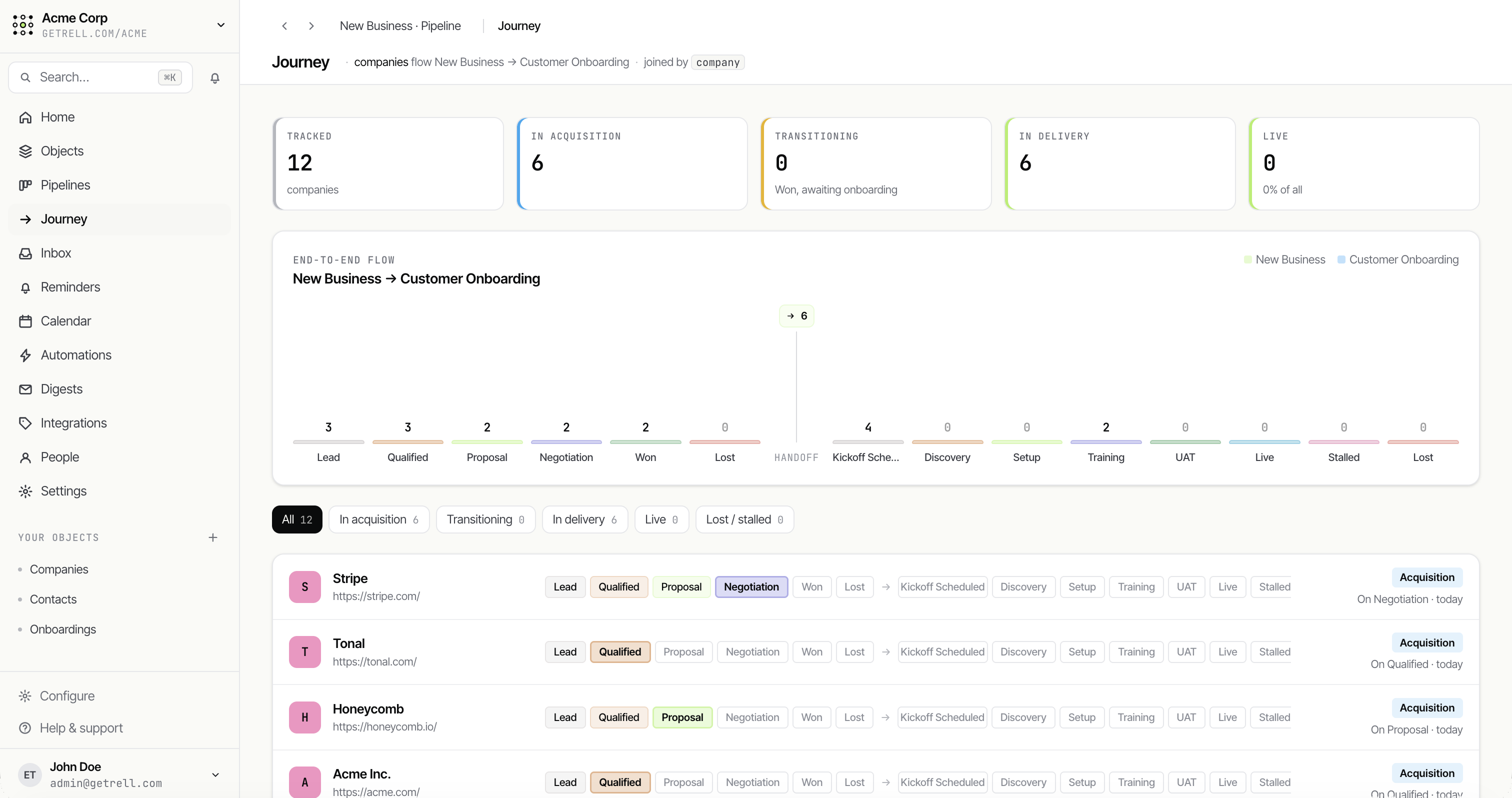
Journeys
Follow the whole lifecycle
Stitch pipelines together — New Business into Customer Onboarding — and watch records flow across the end-to-end journey in one view.
- Hand off between pipelines
- End-to-end funnel
- Acquisition → delivery → live
Automations & digests
Put the busywork on autopilot
Trigger on a created record, a changed field, an entered stage, or a schedule — then act. And ship recurring digests wherever your team already works.
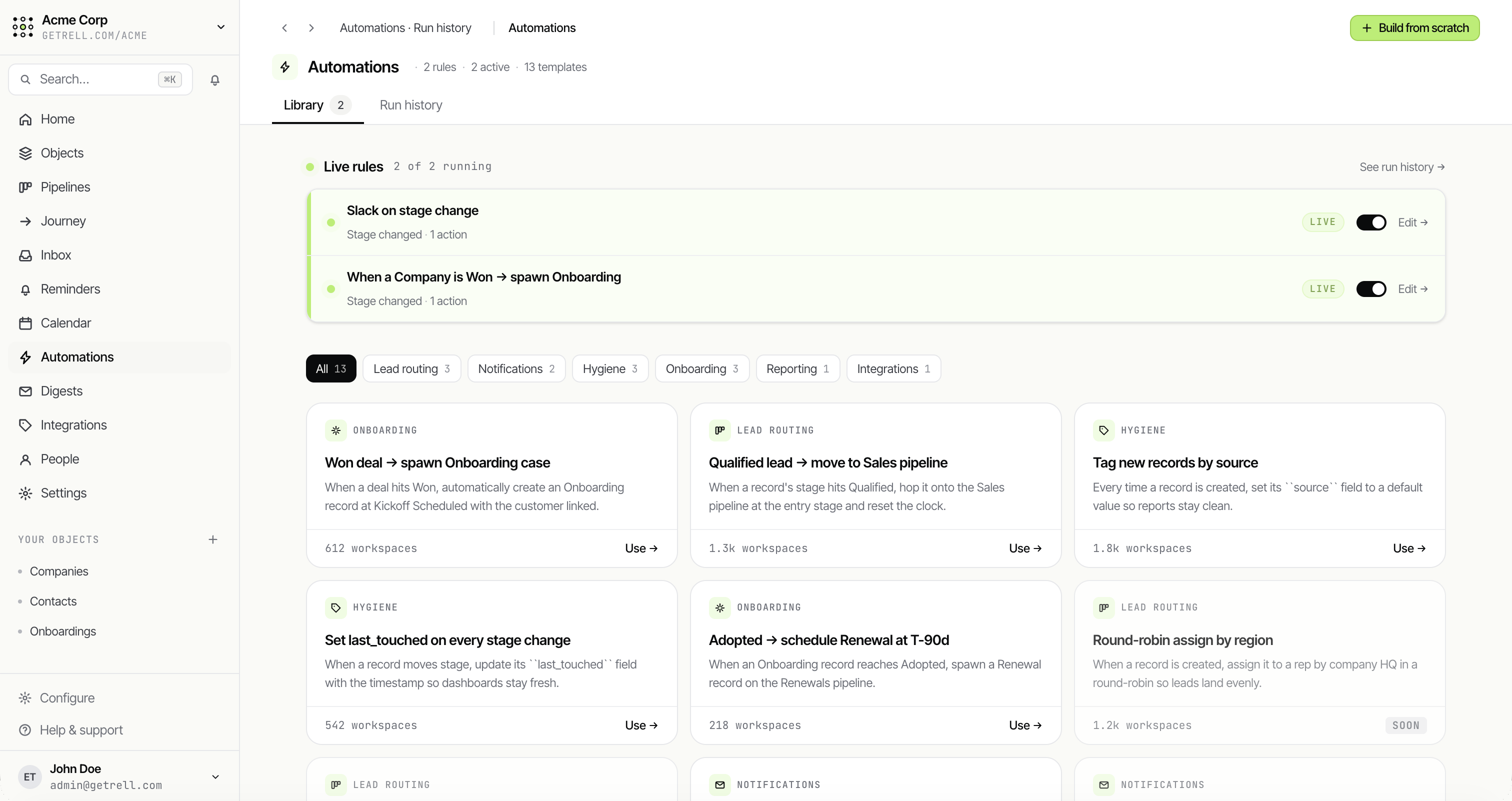
Automations
When this, then that — in clicks
Start from a library of ready-made rules or build from scratch. Send an email, create a task, update a field, or post to Slack. No Zapier bill.
- Template library
- Live rules you can pause
- Triggers: created, changed, stage, schedule
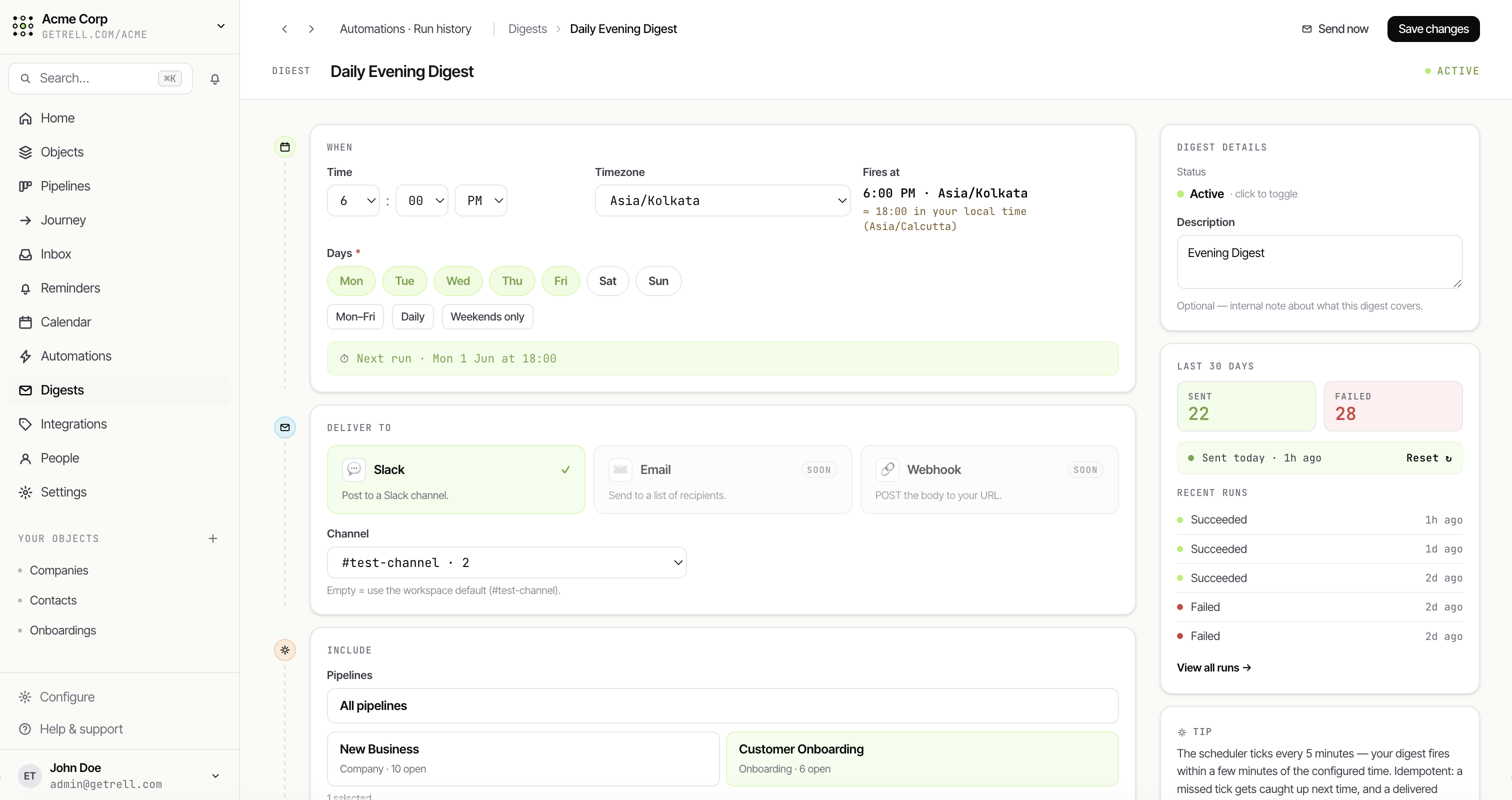
Digest builder
Recurring updates, delivered
Pick the schedule, timezone and scope, then send your digest to Slack, email or a webhook — with full run history.
- Daily, weekly or custom
- Slack, email or webhook
- Run history
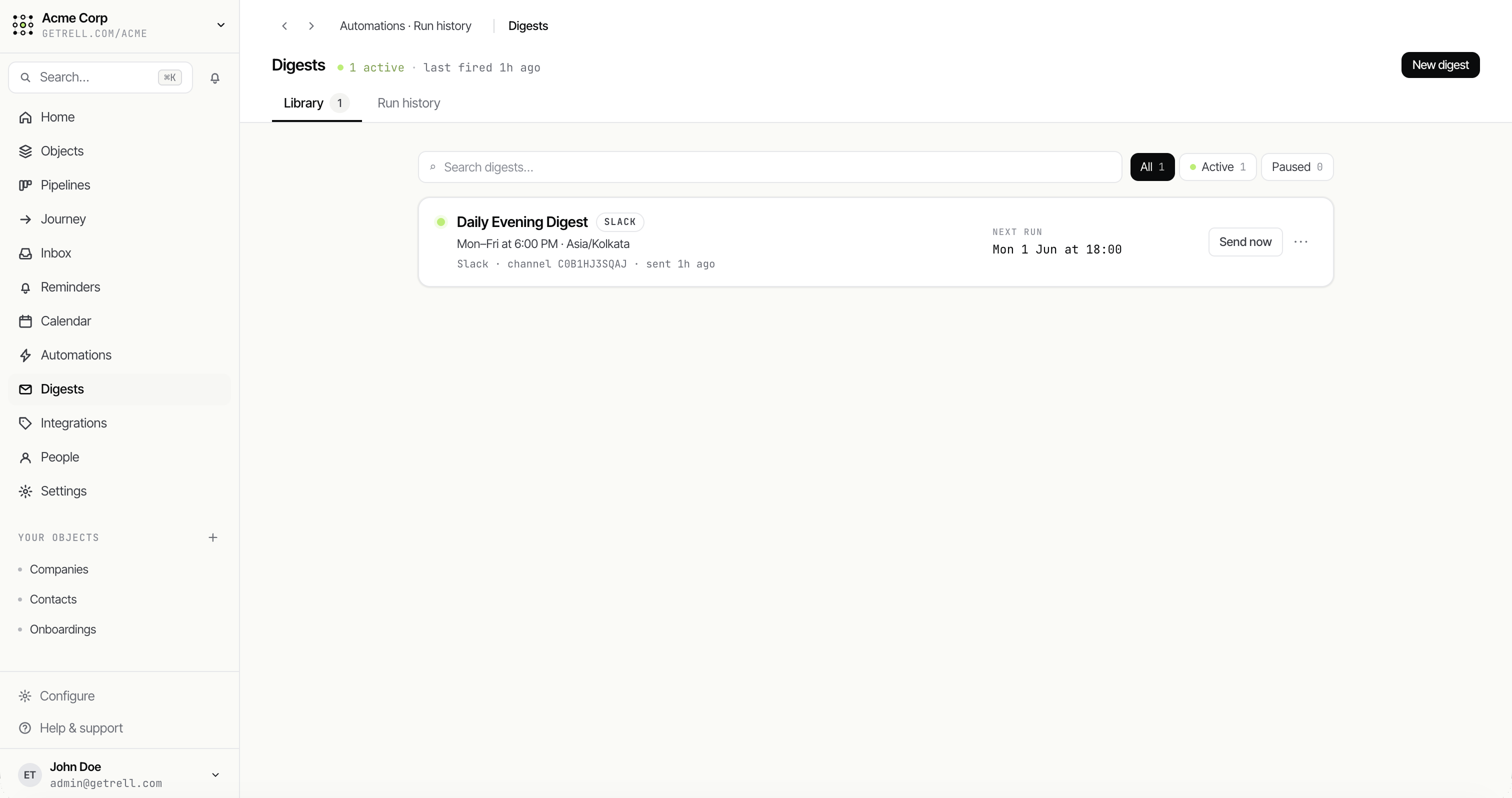
Digests
Stay in the loop automatically
Every scheduled digest in one place, with status and the next run — so the right summary lands without anyone lifting a finger.
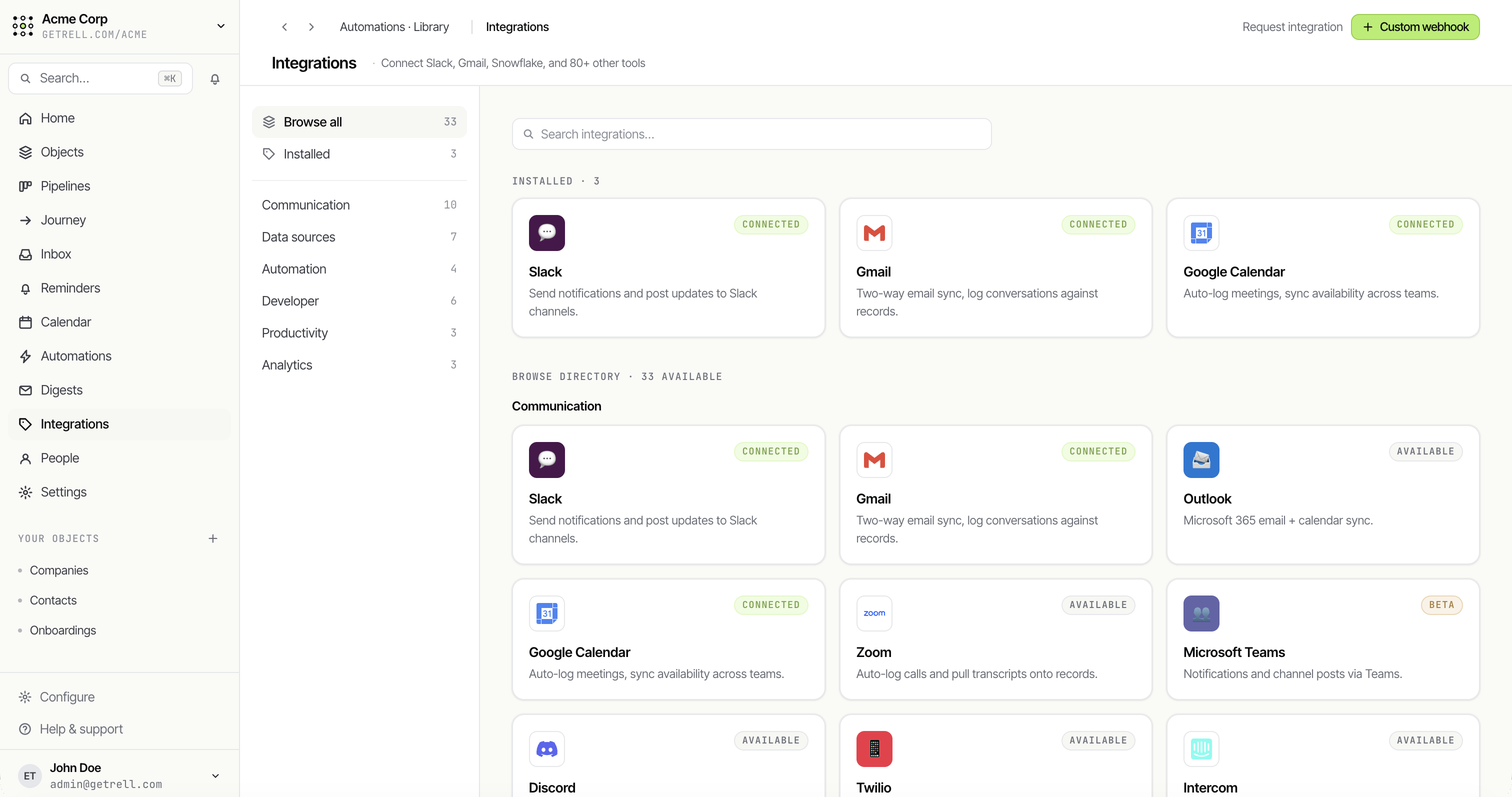
Integrations
Connected to the tools you already use
Two-way sync with Slack, Gmail, Google Calendar, Zoom and more — or wire up a custom webhook for anything else.
The building blocks
A small set of primitives. Endless combinations.
Every feature in Rell is one of these composable parts wearing a different costume. Learn them once and the whole product clicks.
Objects
The kinds of things you track
Start from a template — Deal, Contact, Company — or invent your own. An object is a shape; everything else in Rell hangs off it.
Build the CRM your team actually wants.
Spin up a workspace, model your first object, and invite your team — all before your coffee gets cold.